

Installing a CCTV camera system is a great way to improve the safety of your home or business.
A properly installed cctv system can discourage thieves, provide clear evidence if something happens, and give you peace of mind by letting you watch your property constantly. Whether you’re doing it yourself or hiring a professional, following the right steps can make sure your system works well, gives clear video, and lasts a long time. Here are some important tips to help you through the installation process.
Table of Contents
Choose the Right Camera Type
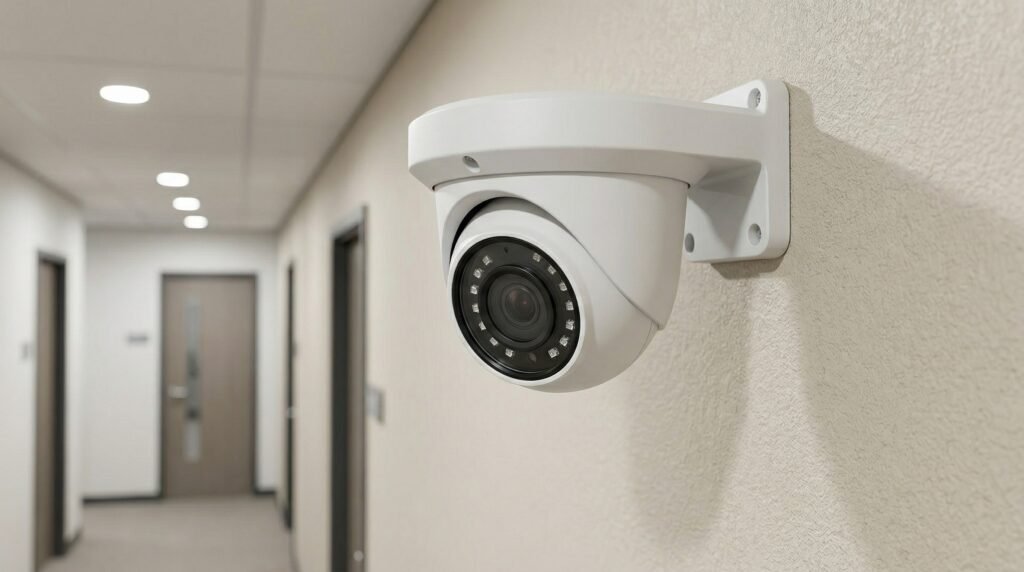
The first step in setting up a good CCTV system is picking the right kind of camera for your needs.
Start by deciding between wired and wireless systems. Wired cameras, which use coaxial cables for analog or Ethernet for IP, are more reliable, offer better video quality, and are less likely to be affected by interference or hacking. They are best suited for places where the system needs to be stable and long-lasting. Wireless cameras are easier to install and more flexible in terms of placement, but they can have signal problems, especially over long distances or when blocked by thick walls.
Next, think about whether you want analog or IP cameras.
Analog systems are cheaper and simpler. They send signals through coax cables to a DVR. IP cameras, on the other hand, offer higher resolution (often 4K), more advanced features like motion detection, and can be connected to your network via Ethernet. They also work with apps, making it easier to view footage remotely. For most modern setups, IP cameras are a better choice because they are more versatile and easier to manage.
Also, make sure the camera style matches the environment.
Use bullet cameras for long-distance outdoor viewing, dome cameras for discreet indoor use, turret cameras for different angles, or PTZ (pan-tilt-zoom) cameras if you need to move the camera actively. Outdoor cameras should have a weatherproof rating of IP66 or higher, and you should never use indoor cameras outside.
Plan Camera Placement Strategically
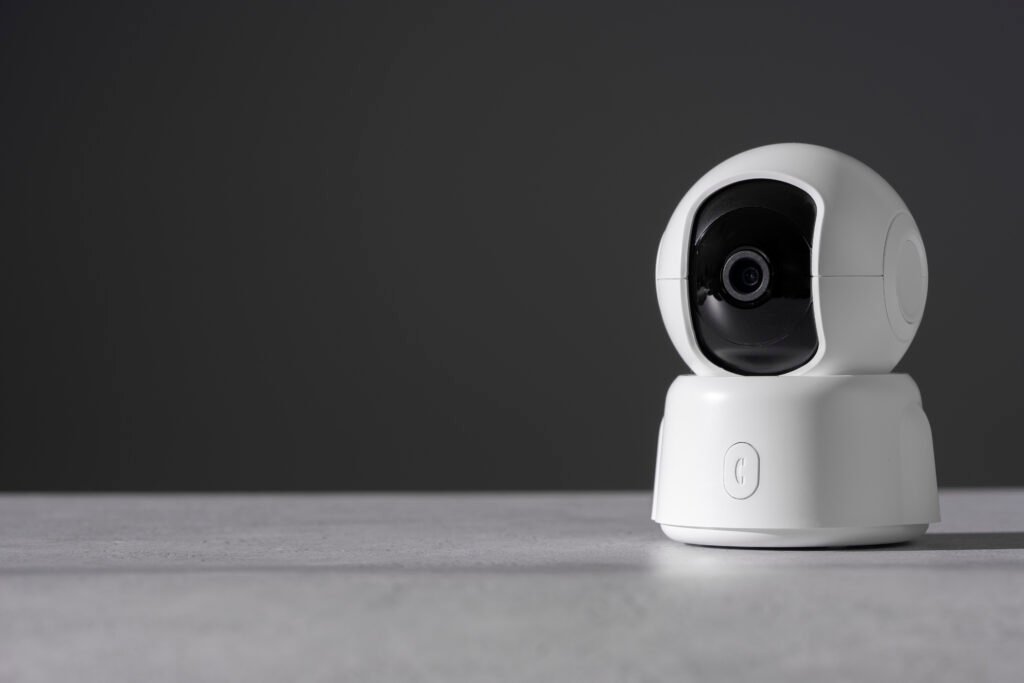
How you place your cameras is very important for making sure there are no blind spots and everything is covered.
Start by doing a walk-through of your property and identify key areas such as entry points (front and back doors, garage, gates), driveways, side paths, windows, and places where you store valuable items. Make sure to cover all ground-floor access points since these are common targets for burglars.
Mount cameras at a height of 8 to 10 feet.
This helps capture clear images of faces while making it hard for someone to tamper with the camera. Don’t mount them too low, or they might be damaged or vandalized. Position the cameras so they avoid direct sunlight, which can cause glare and reduce video quality. Try to overlap the camera views a little to ensure continuous coverage without gaps. Also, avoid pointing cameras at private areas of your neighbors, as this could violate privacy laws and cause problems.
For outdoor cameras, focus on entry and exit zones, as well as areas with high foot traffic.
Inside, cover hallways, stairs, and main rooms. Choose wide-angle lenses for broad coverage or narrow lenses for detailed views when needed.
Enquire About Installing a CCTV camera system
Use Quality Cables and Proper Wiring
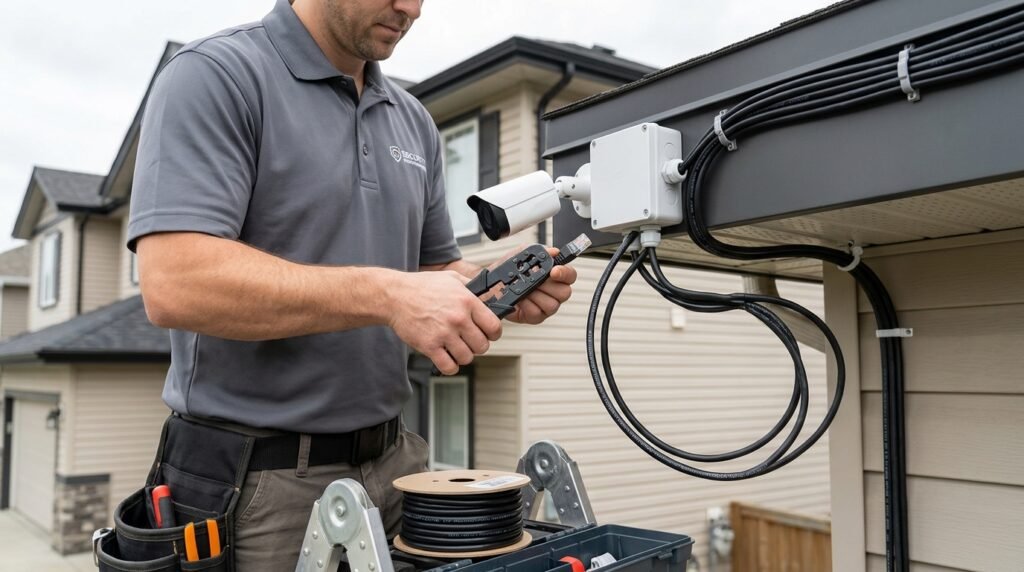
Using good-quality cables is essential for a reliable and clear video feed.
For analog systems, use RG59 or RG6 cables. For IP systems, use Cat5e or Cat6 cables. If you need longer cables (over 100 feet), use thicker ones to prevent signal loss.
Run the cables in a neat and secure way.
Hide them inside walls, conduits, or cable trays to prevent damage, tampering, or visual clutter. Make sure to use weatherproof connectors if you’re running cables outdoors and seal all connections against moisture. If you’re using PoE (Power over Ethernet), ensure your network switch supports it so you can use just one cable for both data and power.
Avoid placing cables near high-voltage lines, as this can cause interference.
Before final installation, check that the cables are working properly by testing continuity.
Set Up a Reliable Power Source
Having a steady power supply is important to keep your system working without interruptions.
Most IP cameras use PoE, which is easy and reliable, or they may need a separate 12V DC power adapter. For wired systems, use a central power supply or Siamese cables (which combine both power and video in one cable).
Install surge protectors to help protect your system from power surges.
For critical areas, use a UPS (uninterruptible power supply) to keep the system running even if there’s a power outage. In outdoor areas, use weatherproof power boxes to protect the connections. Regularly check all power connections to prevent corrosion and ensure everything is working properly.
Optimize Storage for Your CCTV System
Storage is an important part of setting up your system, as it determines how long you can keep your video footage.
Calculate your storage needs based on the resolution, frame rate, compression type (such as H.265, which is efficient), and how long you want to keep the video. Manufacturers often provide tools to help you estimate storage requirements.
Using motion-activated recording can save storage space by only recording when there is movement.
Reduce the resolution in areas where there is less activity. For local storage, use large hard disk drives (HDDs) in your NVR or DVR (they can hold several terabytes of data). Cloud storage can be useful for backing up footage, accessing it remotely, and scaling your storage, but it comes with costs and may require a stable internet connection.
A hybrid approach, combining local and cloud storage, can provide redundancy.
Enable the overwrite feature so that the oldest footage is deleted when the storage is full.
Protect Against Weather Elements
Outdoor cameras are exposed to rain, dust, heat, and cold, so it’s important to choose models with a good weatherproof rating, such as IP66 or IP67, which protect against water and dust.
You can also add protective housings or sunshades if the weather is extreme. Mount cameras under eaves for natural shelter. Seal all cable entries with silicone to prevent water from getting in. Use anti-corrosion mounts in areas that are near the coast or where salt is present. Regular maintenance and checks can help prevent damage caused by weather conditions.
Think About Remote Access and Monitoring
Modern systems work well with apps that let you watch live footage, get alerts, and review past recordings from your phone.
Set up remote access through NVR/DVR apps or cloud services. Enable push notifications for when motion is detected. Use secure connections like a VPN if needed, and avoid sharing unnecessary ports.
Keep Up With Regular Maintenance and Cleaning
CCTV systems need care.
Clean the camera lenses every month with a microfiber cloth to remove dust and spider webs for clear images. Check the mounts to make sure they’re tight, inspect cables for wear and tear, and update firmware regularly. Test recordings and playback from time to time. Schedule a professional check-up once a year.
Focus on Cybersecurity
Connected cameras can be hacked if not properly protected.
Change the default passwords right away—use strong, unique ones with a mix of letters, numbers, and symbols. Enable encryption for video streams and storage. Keep firmware updated to fix security issues. Use a separate VLAN or firewall for the cameras. Avoid connecting to public Wi-Fi. Enable two-factor authentication where possible. Secure your home router and watch for any strange activity.
Test Your System Before Going Live
Don’t assume everything works—test thoroughly.
Make sure all cameras connect properly, their angles cover the right areas, night vision works, motion detection sends alerts, recordings save correctly, and remote access functions as expected. Try out different situations like low light or movement. Adjust settings like sensitivity. Keep records of your settings.
Get Help From Professionals for Complex Installations
For big setups, multi-story homes, or when integrating with other systems, hire a professional.
They can ensure your system meets legal standards, wires are installed properly, and any warranties are valid. Doing it yourself is fine for simple setups, but pros are better at handling tricky parts like long cable runs or network configurations.
Conclusion
In a world where threats are constantly changing, putting in place comprehensive security solutions helps protect valuable assets, build trust, and drive innovation.
By making network security a priority, businesses can confidently expand their operations. Ensuring connectivity that is not only efficient but also strong enough to handle future challenges. Adopt these strategies now to build a secure and prosperous digital future.Contact Electrocore Systems today and experience connectivity that drives real results.
Enquire About Installing a CCTV camera system
Frequently Asked Questions
Before installation, you should assess your security needs, identify key areas like entrances and vulnerable spots, and decide the type of cameras required. Proper planning ensures optimal coverage and avoids blind spots.
Cameras should be installed at entry and exit points, parking areas, and high-traffic zones. Positioning them at a height of around 8–10 feet helps prevent tampering while capturing clear footage.
Camera placement is crucial for effective surveillance. Proper positioning helps eliminate blind spots, ensures better visibility, and improves the overall performance of the system. Poor placement can make even high-quality cameras ineffective.
Common mistakes include installing cameras too high or too low, pointing them toward bright light sources, using indoor cameras outdoors, and not securing cables properly. Avoiding these errors ensures better performance and durability.
To maintain reliability, use quality cables, ensure a stable power supply with backup (UPS), regularly update firmware, and test the system for video clarity and connectivity. Proper maintenance ensures long-term performance.